Guide · Bigfoot vlog template
How to make an AI Bigfoot vlog video
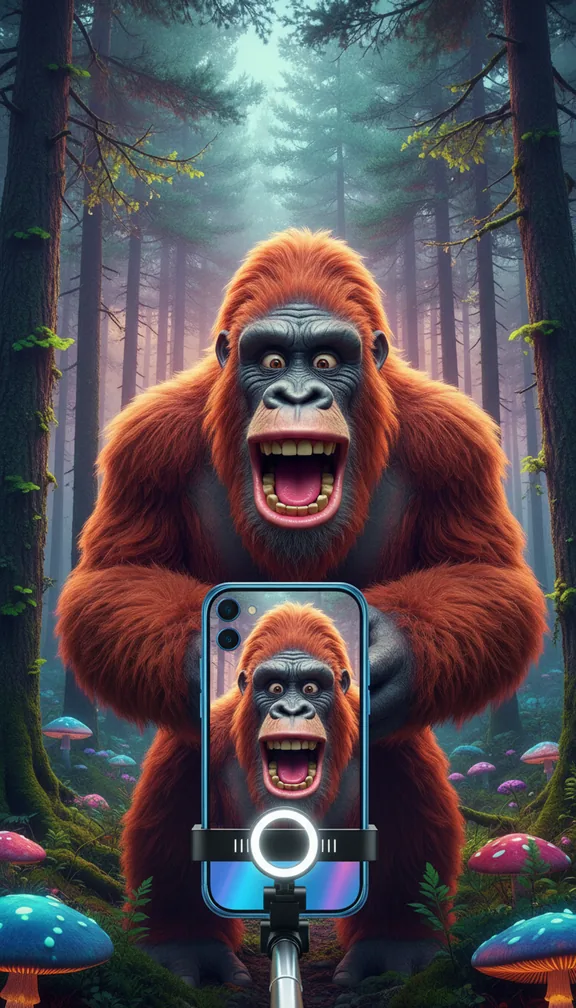
The Bigfoot vlog is a selfie-stick vlog in a misty pine forest that keeps getting photobombed by Bigfoot, who freezes behind a tree when spotted, then joins for a selfie at the end. It borrows the look of real vlogs, which is what makes the photobomb funny.
- 15 svertical 9:16
- 3scenes
- $1.50 to $6.75usual price
Step by step
- Open the templateGo to the Bigfoot vlog template and press Try it (sign in with Google or an emailed code; new accounts get 100 free credits).
- Add your pictureA selfie-style photo of the vlogger, ideally outdoors at arm's length. It matches the phone-camera look the template is written for.
- Add a songOptional: upload a track and the scenes are cut to its beat.
- Check the price and approveYou see the exact price in credits before anything is charged; a 15-second video like this one usually costs about $1.50 to $6.75, depending on the model. A scene that fails is refunded.
- Download and postEach of the 3 scenes is made by an AI video model and cut into one vertical 9:16 video in your browser, ready for TikTok, Reels or Shorts.
Get the best result
- Optional: add a light acoustic or birdsong track for the cosy-vlog contrast.
- Use a real selfie: the template shoots everything as if on a front phone camera.
- The phone lo-fi look and the vertical shape come with the template.
When you post it
- Caption it like an ordinary hiking vlog and let the comments find Bigfoot.
- Keep the end selfie as the payoff, not the thumbnail.
Make your own version
The template's scenes are fixed. For your own story in this format, open the studio and give the director a line like one of these, with your picture:
- "A camping cooking vlog where Bigfoot keeps stealing the food, phone camera"
- "A morning meditation in the woods with an uninvited Bigfoot, three scenes"
- "A trail run vlog where Bigfoot overtakes me"