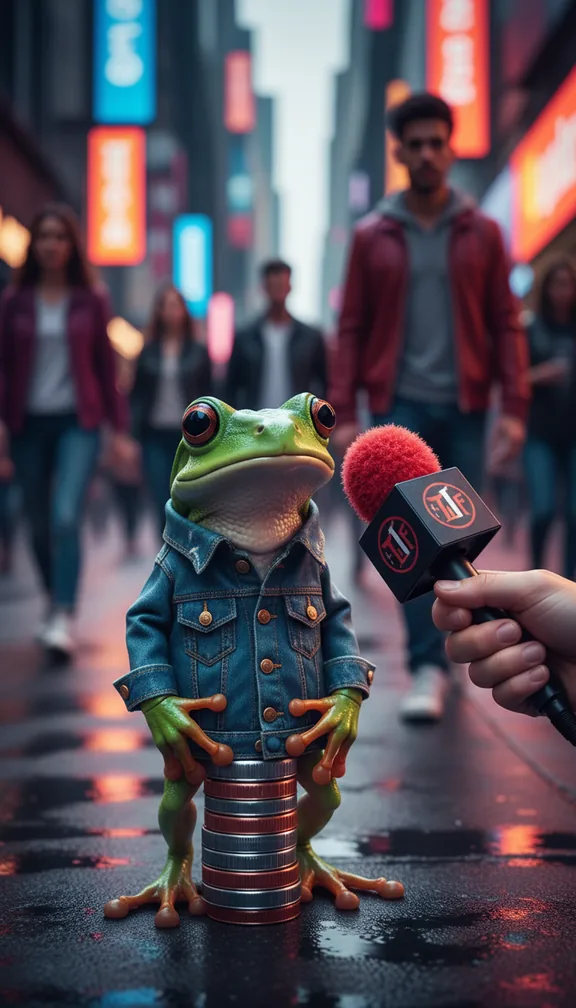
Guide · Street interview template
How to make an AI street interview video
The AI street interview copies the man-on-the-street format: a big fuzzy microphone on a busy sidewalk, wild hand gestures, a walk-off mid-question and a comeback for one more thing. People recognise the format instantly.
- 15 svertical 9:16
- 3scenes
- $1.50 to $6.75usual price
Step by step
- Open the templateGo to the Street interview template and press Try it (sign in with Google or an emailed code; new accounts get 100 free credits).
- Add your pictureA photo of the person being interviewed, front-facing and clearly lit. A casual, everyday look sells the street setting.
- Add a songOptional: upload a track and the scenes are cut to its beat.
- Check the price and approveYou see the exact price in credits before anything is charged; a 15-second video like this one usually costs about $1.50 to $6.75, depending on the model. A scene that fails is refunded.
- Download and postEach of the 3 scenes is made by an AI video model and cut into one vertical 9:16 video in your browser, ready for TikTok, Reels or Shorts.
Get the best result
- Optional: add a song and the cuts follow its beat.
- The handheld news-camera look is built in; you only bring the face.
- These scenes are acted, not spoken. For a real spoken answer, use Talking avatar with your script and a consented photo.
When you post it
- Put the question on screen or in the caption so viewers stay for the answer.
- Same question, a different character every day makes an easy series.
Make your own version
The template's scenes are fixed. For your own story in this format, open the studio and give the director a line like one of these, with your picture:
- "A street interview where the person is asked to rate their landlord and walks off furious"
- "A street interview about the most expensive sandwich they ever bought, wild gestures"
- "A street interview with a confused tourist asked about the local football team"