Guide · Music video star template
How to make an AI music video for your song
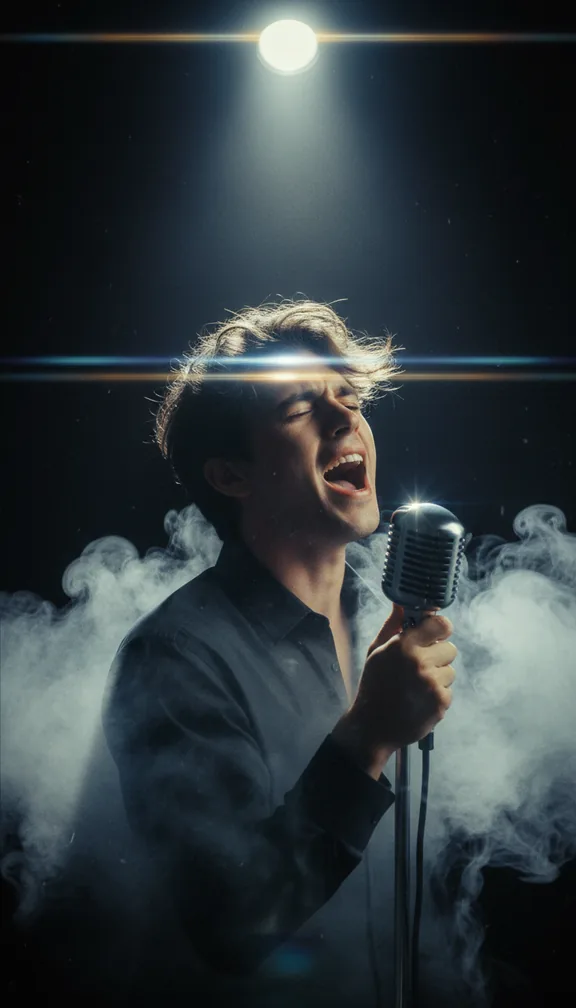
This makes a short music video of you (or your character) singing your own song: a single spotlight, a rain-wet street at night, a rooftop at golden hour and a close-up on the last line. The studio reads the song first, so scenes change with the music and the singing shots move with it.
- 24 svertical 9:16
- 4scenes
- $2.40 to $10.80usual price
Step by step
- Open the templateGo to the Music video star template and press Try it (sign in with Google or an emailed code; new accounts get 100 free credits).
- Add your pictureA front-facing photo of the singer, face clearly visible. It is the reference for every shot, so pick one that looks like the artist you want on screen.
- Add a songUpload the track: the scenes are cut to its beat.
- Check the price and approveYou see the exact price in credits before anything is charged; a 24-second video like this one usually costs about $2.40 to $10.80, depending on the model. A scene that fails is refunded.
- Download and postEach of the 4 scenes is made by an AI video model and cut into one vertical 9:16 video in your browser, ready for TikTok, Reels or Shorts.
Get the best result
- The song is required: upload the track and the four scenes are cut to its bars.
- Start from the hook: the video takes about 24 seconds of the song.
- Use music you have the rights to; the video carries the audio you upload.
When you post it
- Post it as a teaser before the release, then one per single.
- Put the song title and link in the caption.
Make your own version
The template's scenes are fixed. For your own story in this format, open the studio and give the director a line like one of these, with your picture:
- "A music video for my song in a neon arcade, singing to camera, cut on the beat"
- "My song performed on a rooftop at night, slow orbit shots"
- "A lo-fi bedroom performance of my song, phone camera"