Guide · Product in hand template
How to make an AI UGC product ad
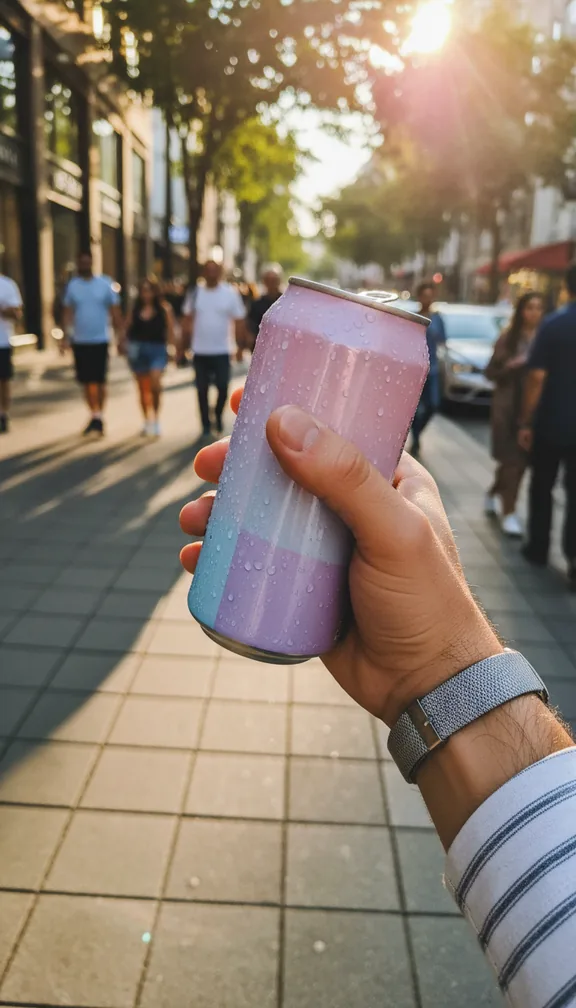
A UGC-style ad looks like a customer filmed it on their phone. This template holds your product up to the camera in a bright kitchen, uses it on a sunny balcony, and sets it down with a thumbs up, all in a phone lo-fi look that feels native on TikTok and Reels.
- 15 svertical 9:16
- 3scenes
- $1.50 to $6.75usual price
Step by step
- Open the templateGo to the Product in hand template and press Try it (sign in with Google or an emailed code; new accounts get 100 free credits).
- Add your pictureYour product on a plain background, well lit, label facing the camera; the clearer the packaging, the more faithfully it comes out. Optionally, a photo of who holds it.
- Check the price and approveYou see the exact price in credits before anything is charged; a 15-second video like this one usually costs about $1.50 to $6.75, depending on the model. A scene that fails is refunded.
- Download and postEach of the 3 scenes is made by an AI video model and cut into one vertical 9:16 video in your browser, ready for TikTok, Reels or Shorts.
Get the best result
- The product photo matters most: plain background, label readable, no hands or clutter.
- Optional: add a photo of who holds it if you want a specific person in every scene.
- For a creator saying a script about it, use Talking avatar with a consented photo.
When you post it
- Make two or three versions and keep the one that performs.
- Label it as an ad where the platform asks for it.
Make your own version
The template's scenes are fixed. For your own story in this format, open the studio and give the director a line like one of these, with your picture:
- "A UGC ad of someone unboxing my product on a kitchen counter, phone camera, three scenes"
- "A gym bag reveal: my product pulled out mid-workout, handheld"
- "A morning routine with my product on the bathroom shelf, soft daylight"